Greeklish, back to Greek.
Find Greek names written in Latin letters and review suggestions with Greek spelling and accents.
giannis papadopoulos↓Γιάννης Παπαδόπουλος
 QORRECT
A little order for your contacts
Turn Greeklish into accented Greek. Give phone numbers their country code. Review every correction before you save it.
Small corrections. A clearer address book.
Names saved years ago. Numbers missing a prefix. Cards that look suspiciously alike. Qorrect brings the possible fixes together for you to review.
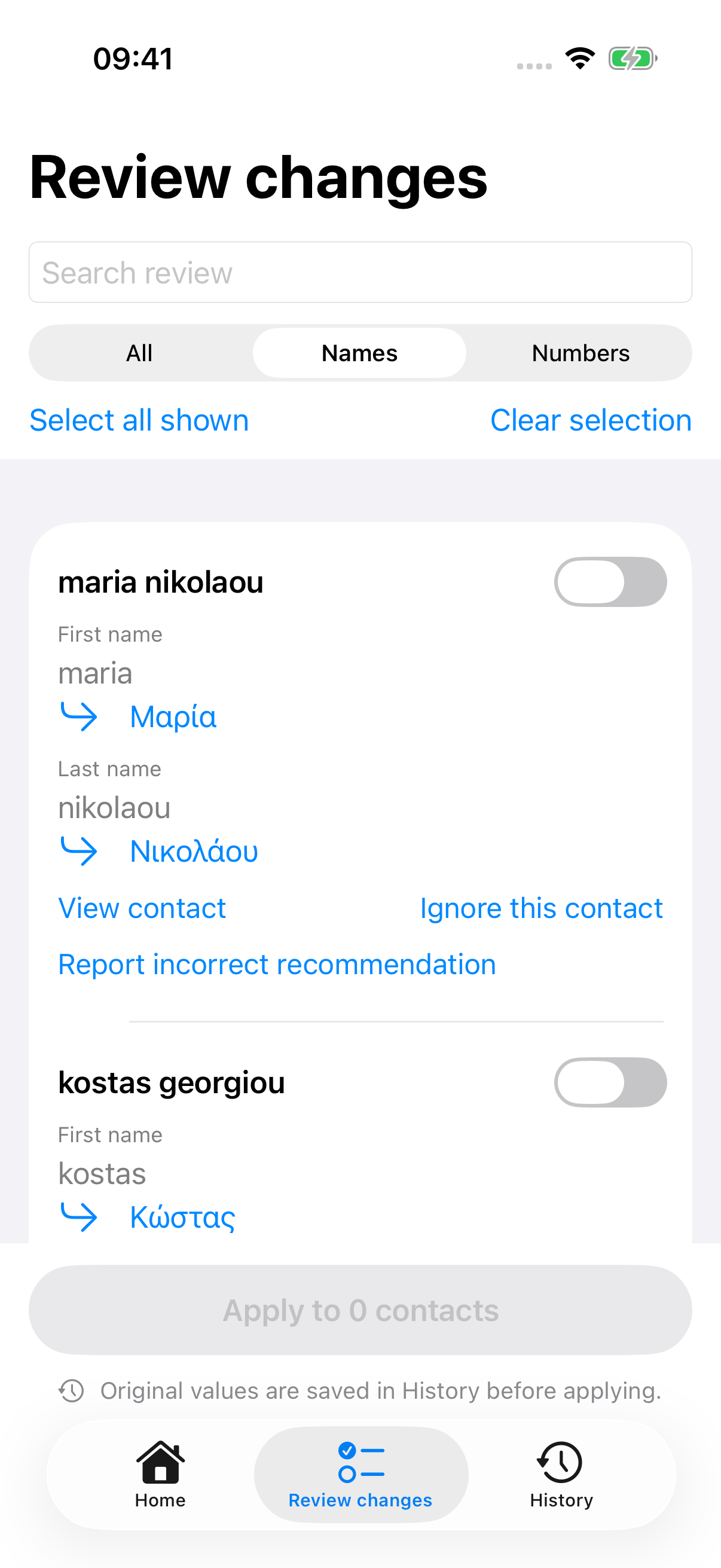
Find Greek names written in Latin letters and review suggestions with Greek spelling and accents.
Choose your country and review international-format suggestions for local numbers.
Inspect possible matches by phone, email or name. Select the cards and decide what to keep before confirming a merge.
How it works
Set the phone-number region and choose whether to request online Greek name suggestions.
See original and suggested values together. Filter names or numbers and select the contacts you want to correct.
Save only what you approved. Original values go into local History so you can undo those corrections later.
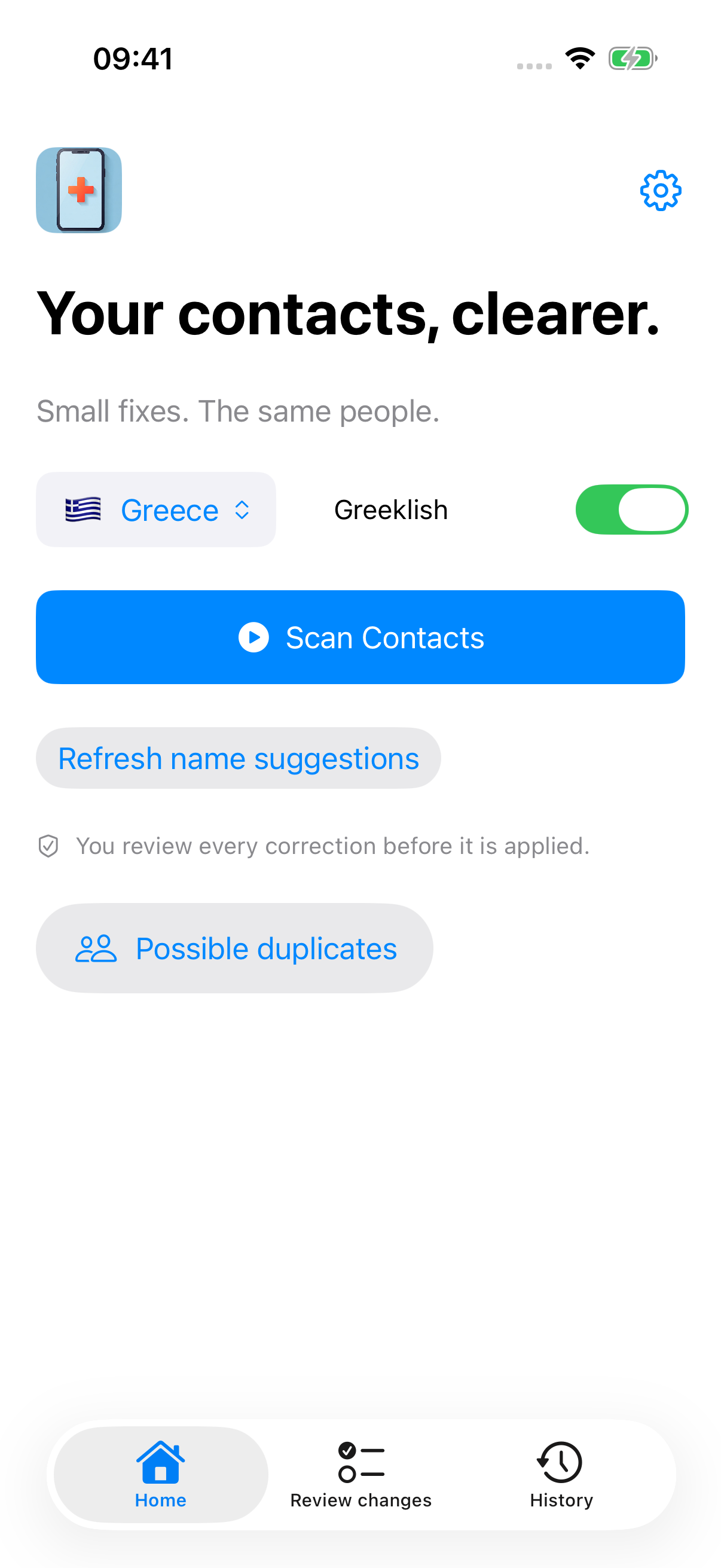
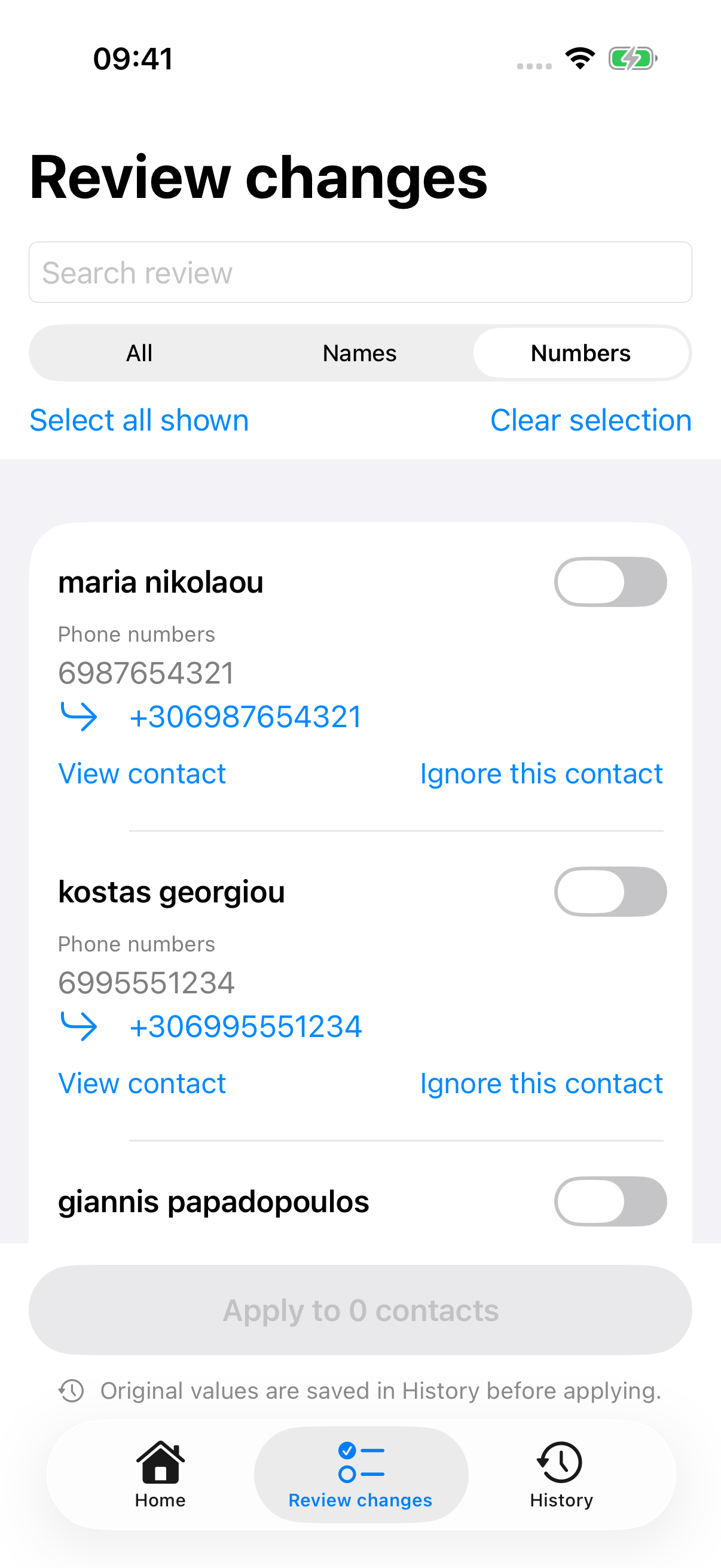
Native Qorrect v2.2.0 preview screens with example contacts. This update is not yet approved on the App Store. Suggestions are reviewed before they are applied.
Upcoming v2.2.0 / Narrated walkthrough
From a real scan to confirmed changes and local History. Watch Qorrect work with fictional example contacts.
Native app preview · v2.2.0, build 26 · 27 seconds · This update is not yet approved on the App Store.
Make your contacts easier to read with Qorrect. Start a scan to find names and phone numbers that need attention. Turn Greeklish into Greek, then compare each suggestion with the original. Select only the changes you want. Review the confirmation before applying. Your changes appear in Review History, so you can check what changed and undo supported edits.
Βάλτε τις επαφές σας σε τάξη με το Κορέκτ. Ξεκινήστε μια σάρωση για ονόματα και αριθμούς που χρειάζονται διόρθωση. Μετατρέψτε ονόματα με λατινικούς χαρακτήρες σε ελληνικά και συγκρίνετε κάθε πρόταση με το αρχικό όνομα. Επιλέξτε μόνο τις αλλαγές που θέλετε. Ελέγξτε την επιβεβαίωση πριν τις εφαρμόσετε. Στο ιστορικό βλέπετε τι άλλαξε και μπορείτε να αναιρέσετε τις αλλαγές που υποστηρίζονται.
Your contacts. Your decision.
Qorrect helps you find what needs attention. You stay in charge of the address book.
Choose each correction or selected group. Duplicate cleanup requires a separate review and confirmation.
Applied name and number corrections keep their original values in History. Undo checks for later edits before changing a field.
Number formatting and duplicate checks run on-device. Online Greek name suggestions send name text and matching context to the Qorrect API.
Read the privacy policy ↗Free to get started
Scan, review, correct names and numbers, inspect possible duplicates and use History. All without a subscription.
No. A scan produces suggestions. You choose the contacts, inspect the before-and-after values and confirm before Qorrect writes changes.
Yes. Greek name suggestions use the Qorrect API. Phone-number formatting and possible-duplicate checks run on your device. You can turn online Greek name suggestions off.
Corrections applied from Review are recorded in local History. Undo restores the changed name or phone fields and stops if those fields have been edited again. History is not a full address-book backup.
You select the cards and what to keep, then confirm the merge. Qorrect never merges automatically. Undo recreates deleted cards with new identifiers; notes, linked-card identity and account or list membership cannot be restored.
First and last names, a contact reference ID and country/language context go to the Qorrect API over HTTPS. The API can use cached spellings, OpenAI and ILSP. Phone numbers, email addresses, photos and notes are not part of the name-conversion request. Read the privacy policy for storage, feedback and infrastructure-log details.
No. Premium is an optional one-time purchase for creating and editing your own translation rules and removing in-app promotions. The core scan, review, cleanup and History features are free. Restore Purchases is available.
Ready when you are
Download Qorrect for iPhone. Free, with an optional one-time Premium purchase.
Download on the App Store ↗